
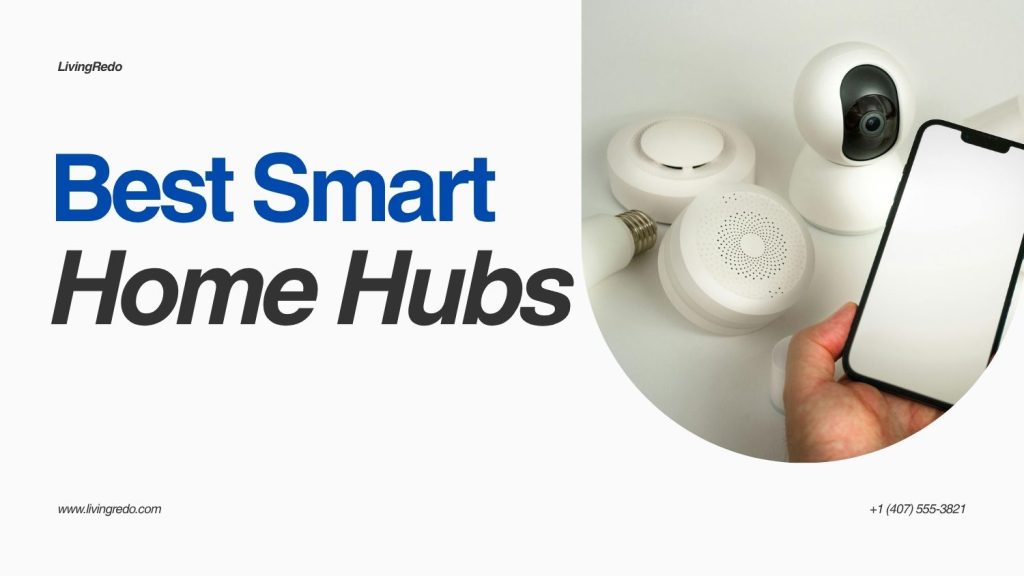
Smart Home Hubs
Managing multiple smart devices feels frustrating when apps stop syncing or voice commands fail. I faced the same issue while setting up my own smart apartment. Lights responded late, cameras disconnected often, and automation routines broke constantly.
That changed when I switched to one of the Best Smart Home Hubs designed for smooth automation. A reliable hub connects everything in one place and removes the stress of controlling devices separately. In my experience, the right ecosystem makes your home feel truly smart instead of complicated.
Why Smart Home Hubs Matter
A smart home works best when every device communicates smoothly. Without a central hub, devices often struggle to stay connected. I discovered this after trying to manage speakers, lights, and sensors from different apps.
A powerful smart home automation hub keeps everything organized. It allows voice assistants, automations, and routines to work together instantly. You save time and avoid unnecessary troubleshooting every week.
Alexa: Best for Compatibility
Alexa stands out because it supports thousands of devices. I connected smart plugs, door locks, cameras, and even older accessories without major setup issues. The flexibility impressed me immediately.
Alexa also offers strong automation features. You can create routines that trigger lights, speakers, or security systems at specific times. Many people searching for the Best Smart Home Hubs choose Alexa because of its huge compatibility range.
Another advantage involves affordable devices. Echo speakers and displays cost less than many competitors, making Alexa ideal for beginners who want smart automation without spending heavily.
Google Home: Best for AI Features
Google Home excels at understanding natural voice commands. In my testing, Google Assistant answered questions faster and handled conversations more naturally than Alexa. That made daily use feel smoother.
Google also integrates perfectly with Android phones and Google services. If you use Gmail, Google Calendar, or YouTube regularly, the experience feels seamless. Smart routines sync quickly across devices without extra configuration.
I also liked how Google handles contextual commands. You can ask follow-up questions naturally instead of repeating phrases constantly. That convenience matters in busy households.
Apple HomeKit: Best for Privacy
Apple focuses heavily on security and privacy. If you already use iPhones, iPads, or MacBooks, HomeKit creates a polished ecosystem. Everything feels clean, simple, and secure from the start.
HomeKit works especially well for users concerned about data protection. Apple encrypts communication strongly and gives users more privacy controls than many competitors. I noticed fewer intrusive notifications and ads while using HomeKit devices.
Many users also search for how to turn ipad into a smart home hub because Apple allows iPads and Apple TVs to function as central controllers. That flexibility helps existing Apple users save money while building automation systems.
Alexa vs Google vs Apple Comparison
| Feature | Alexa | Google Home | Apple HomeKit |
|---|---|---|---|
| Device Compatibility | Excellent | Very Good | Limited |
| Voice Accuracy | Good | Excellent | Very Good |
| Privacy Protection | Moderate | Moderate | Excellent |
| Budget Friendliness | Excellent | Good | Expensive |
| Automation Features | Excellent | Very Good | Good |
This comparison helped me understand which platform matched different lifestyles. Each ecosystem offers strengths, but your current devices often determine the best choice.
Best Smart Hubs for Home Automation
The best smart hubs for home automation depend on your priorities. Alexa works best for flexibility and affordable expansion. Google Home delivers stronger AI-powered voice control. Apple HomeKit provides unmatched privacy and seamless integration for Apple users.
I recommend Alexa for larger smart homes with mixed brands. Google fits users who rely heavily on Android and Google services. HomeKit feels perfect for people who value security over maximum compatibility.
Your decision should focus on long-term convenience instead of short-term trends. A stable ecosystem saves time, money, and frustration later.
Smart Devices That Pair Perfectly
Smart hubs become more powerful when paired with the right devices. I noticed huge improvements after combining my hub with reliable cameras and lighting systems. Automation routines started working far more smoothly.
You can expand your setup with devices featured in Best Smart Security Cameras for Safer Homes 2026 for better protection and monitoring. Smart lighting also improves automation dramatically, especially when paired with systems from Best Smart Lighting Systems.
Temperature control matters too. Smart Thermostats help reduce energy costs while improving comfort automatically. Even modern Kitchen gadgets now integrate with voice assistants for hands-free convenience.
For home design inspiration, I also explored 12 Amazing Ideas to Use Markiseteppe at Home while upgrading my smart living space. Small design improvements make automation feel even more premium.
Common Mistakes to Avoid
Many people buy random devices without checking compatibility first. I made this mistake early and wasted hours troubleshooting failed connections. Always confirm your devices support your chosen ecosystem before purchasing.
Another mistake involves ignoring Wi-Fi quality. Smart hubs depend heavily on stable internet coverage. Weak signals cause delayed commands and broken routines constantly.
People also focus too much on price instead of long-term usability. A cheaper hub becomes frustrating when it cannot support future upgrades or advanced automation features.
Pro Tips for Better Automation
Place your smart hub in a central location for stronger connectivity. I noticed faster responses after moving my hub away from thick walls and crowded electronics.
Stick to one ecosystem whenever possible. Mixing too many platforms often creates unnecessary delays and compatibility problems. Consistency improves automation reliability significantly.
Update devices regularly. Firmware updates improve security, speed, and compatibility with newer accessories. Many users skip updates and later complain about unstable performance.
FAQs: Best Smart Home Hubs
Conclusion
Choosing between Alexa, Google, and Apple depends on your lifestyle and device preferences. Alexa offers unmatched flexibility, Google delivers smarter voice interactions, and Apple provides superior privacy.
In my experience, the Best Smart Home Hubs simplify everyday life when you choose the ecosystem that matches your habits. The right setup transforms your home into a faster, safer, and more efficient living space.